
Course access
ETB 199 · one-time
 Private Telegram course
Video editing
Barnoota gulaallii viidiyoo
Clear curriculum
10 public lesson outlines
Exam focused
Built for practical study
Verified payment
Fulbek confirms access
Private delivery
Telegram delivery verified
About this course
Read the full course overview and topics
About this course
Read the full course overview and topics
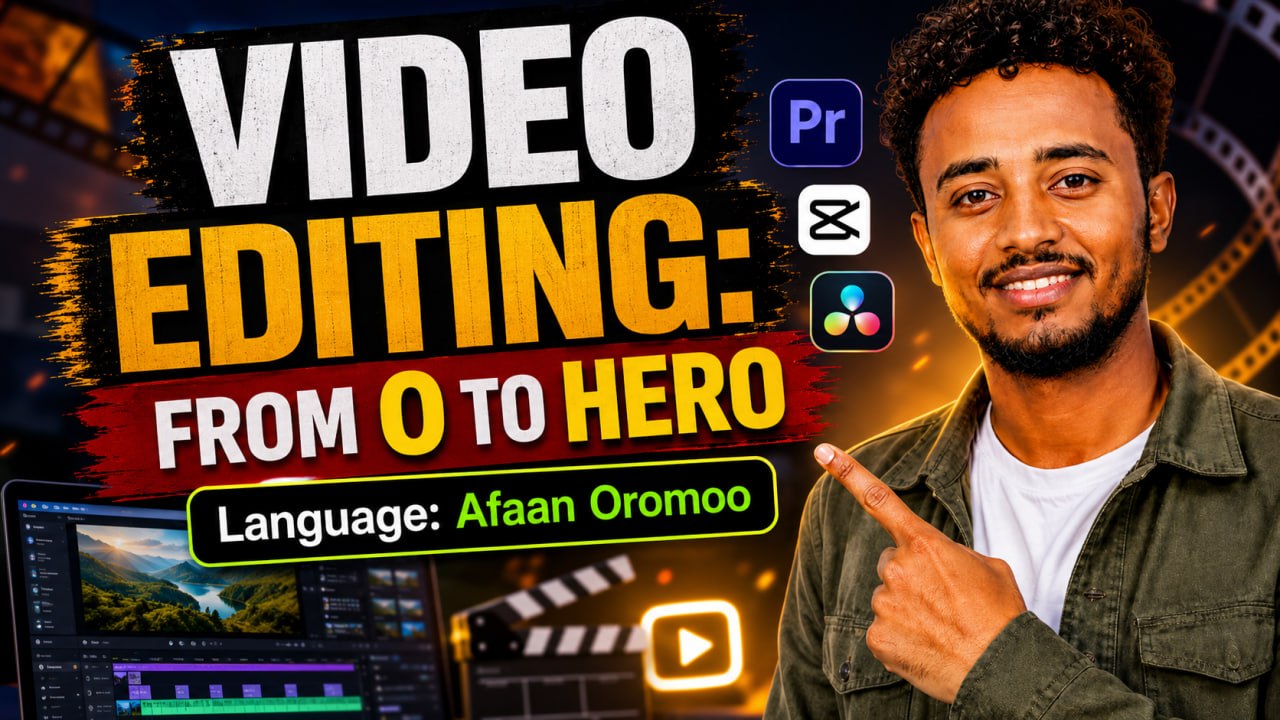
VIDEO EDITING: FROM 0 TO HERO 🎬
Learn video editing from the very beginning and build the skills you need to create clean, professional, and engaging videos.
This course is taught completely in Afaan Oromoo, making it easy to follow and understand even if you have no previous editing experience.
What You Will Learn
Video editing fundamentals
Cutting and arranging clips
Adding text, music, and sound effects
Transitions and visual effects
Color correction and basic color grading
Creating professional-looking videos
Editing videos for YouTube, TikTok, Telegram, Instagram, and other platforms
Exporting videos with the right quality and settings
Practical editing techniques you can use for real projects
Who Is This Course For?
This course is perfect for:
Complete beginners
Content creators
YouTubers
Social media creators
Freelancers
Business owners
Anyone who wants to learn video editing professionally
🎯 Start from zero and develop the confidence to edit videos like a pro.
Language: Afaan Oromoo
Course outline
10 lessonsOpen all lessons, then tap any lesson to preview its outline.
Course outline
10 lessonsOpen all lessons, then tap any lesson to preview its outline.
Full lesson content is delivered inside the verified private Telegram course after enrollment.
1Introduction to video editing
What video editing is, how it works, and the tools you need.
2Understanding the Editing Software
Interface, timeline, media panel, preview window, and basic settings.
3Importing and Organizing Media
How to import videos, images, music, and arrange project files.
4Cutting and Trimming Videos
Split clips, remove unwanted parts, and create smooth sequences.
5Adding Text and Titles
Create titles, captions, subtitles, and animated text.
6Transitions and Video Effects
Add professional transitions, effects, zooms, and motion.
7Audio Editing and Sound Effects
Adjust volume, add music, clean audio, and use sound effects properly.
8Color Correction and Color Grading
Improve brightness, contrast, colors, and give videos a cinematic look.
9Advanced Editing Techniques
Speed effects, keyframes, masking, overlays, green screen, and creative editing.
10Final Project and Exporting
Edit a complete professional video and export it for YouTube, TikTok, Instagram, Telegram, and other platforms.